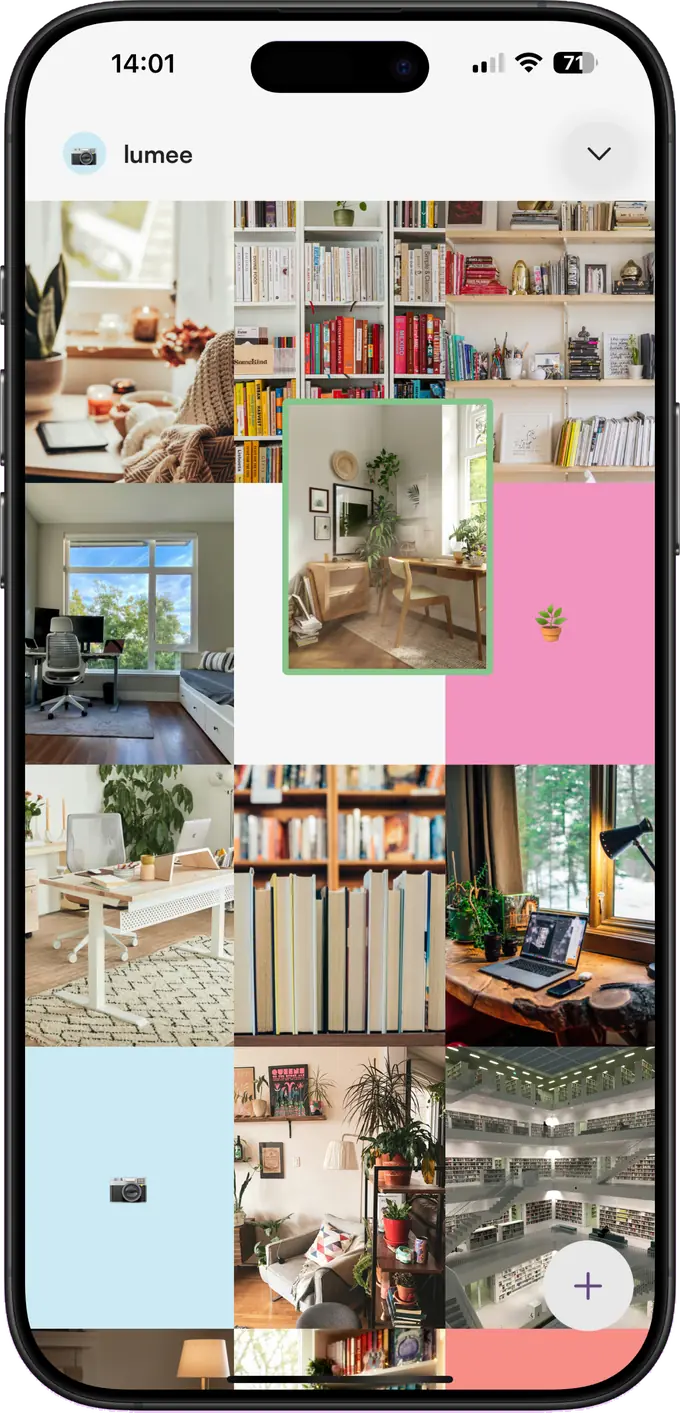
Grid
Move things until it feels right
Hold a post and drag it anywhere. Everything else shifts around it, exactly the way your profile will. For the shots you haven’t taken yet, drop in a coloured placeholder and keep the row balanced.
iPhone & iPad
A quiet little planner for your grid. Drag posts into place, keep a spot for the photo you haven’t taken yet, and see how the whole profile reads before anything goes live.
Free to try · No account, no sign-up
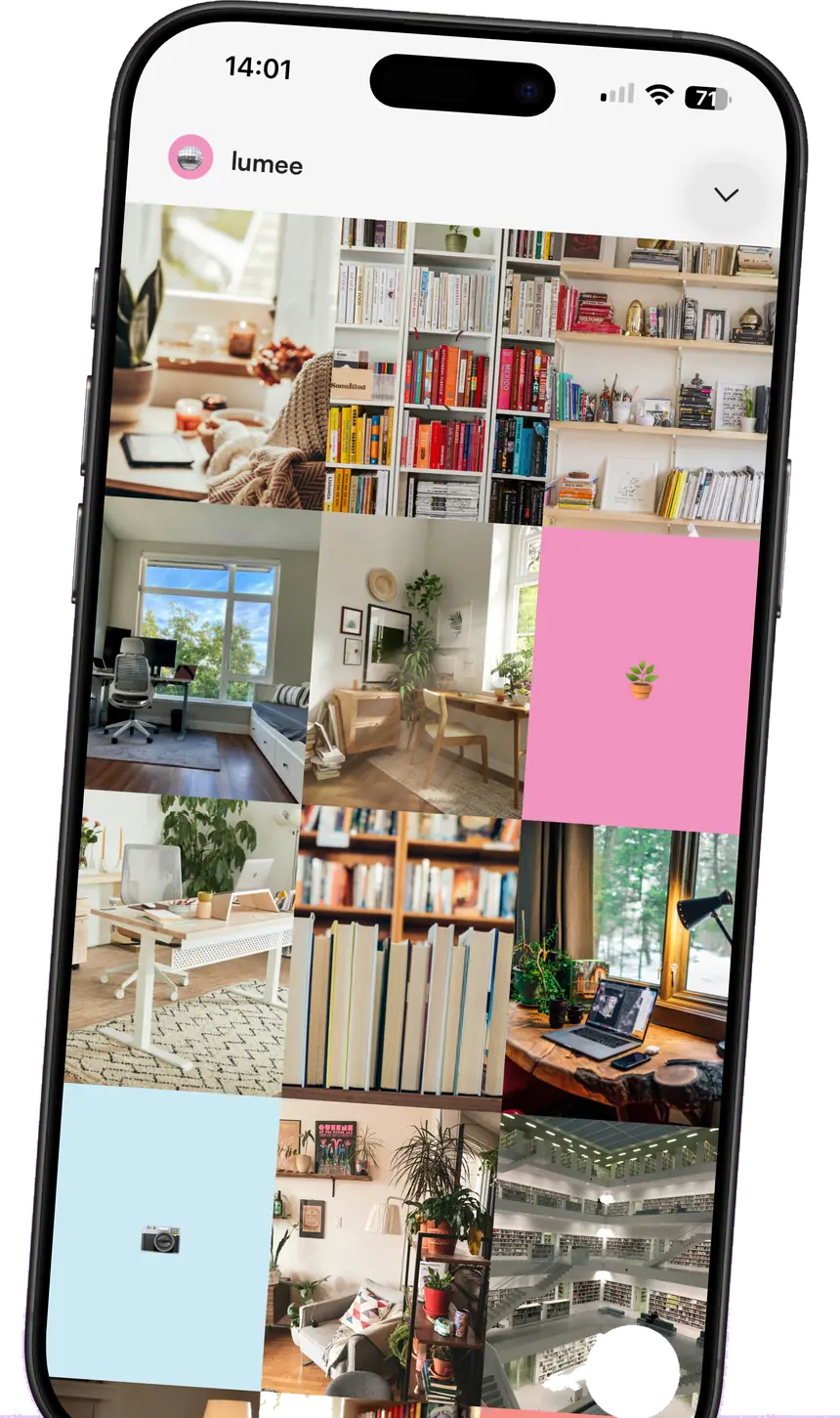
Grid
Hold a post and drag it anywhere. Everything else shifts around it, exactly the way your profile will. For the shots you haven’t taken yet, drop in a coloured placeholder and keep the row balanced.
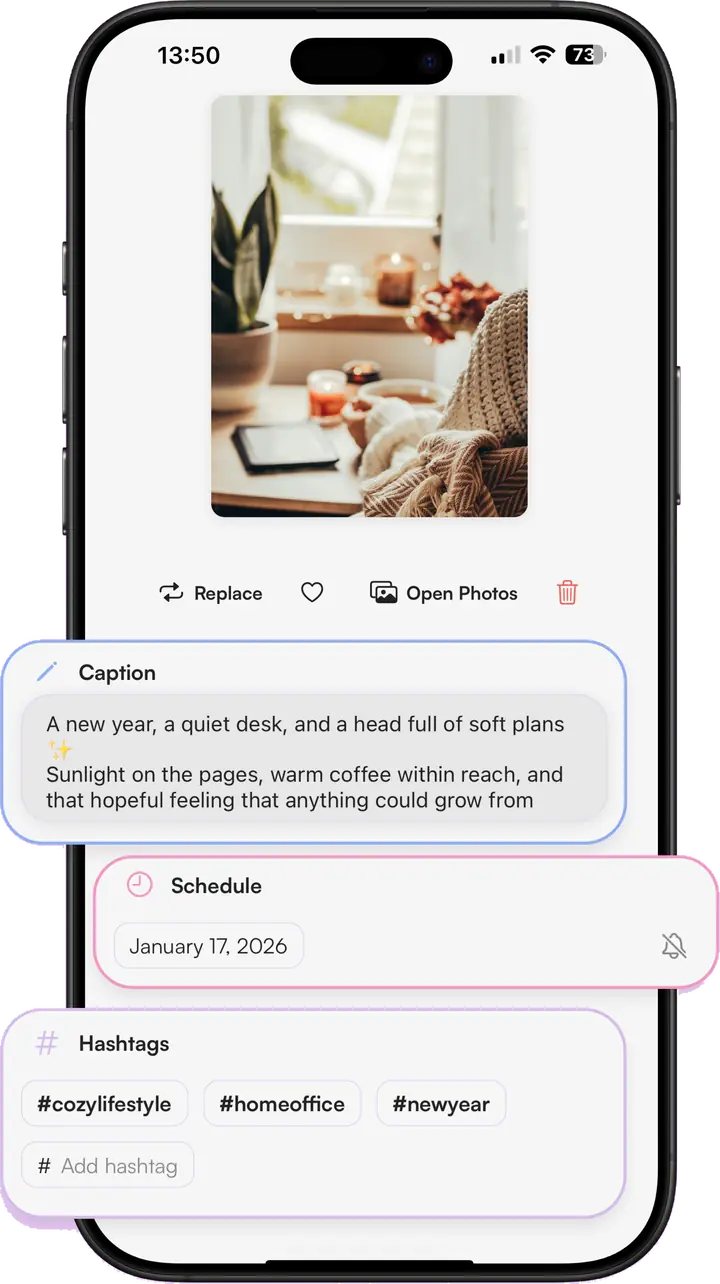
Captions
The caption, the hashtag set and the date all live with the photo, so nothing gets rewritten in the Notes app at midnight. Pick a day and Lumee reminds you when it’s time.
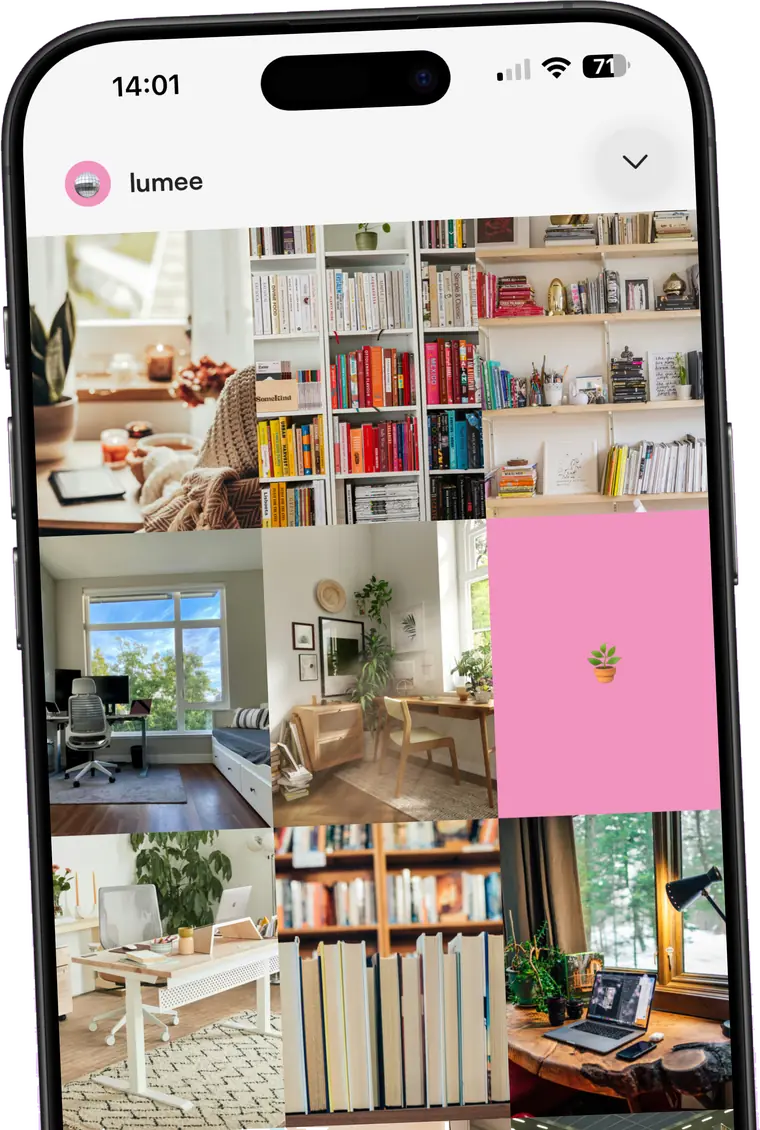
iCloud
There is no Lumee account and no Lumee server. Your posts, captions and photos sit on your device and back up through your own iCloud — which is also how they turn up on your iPad.
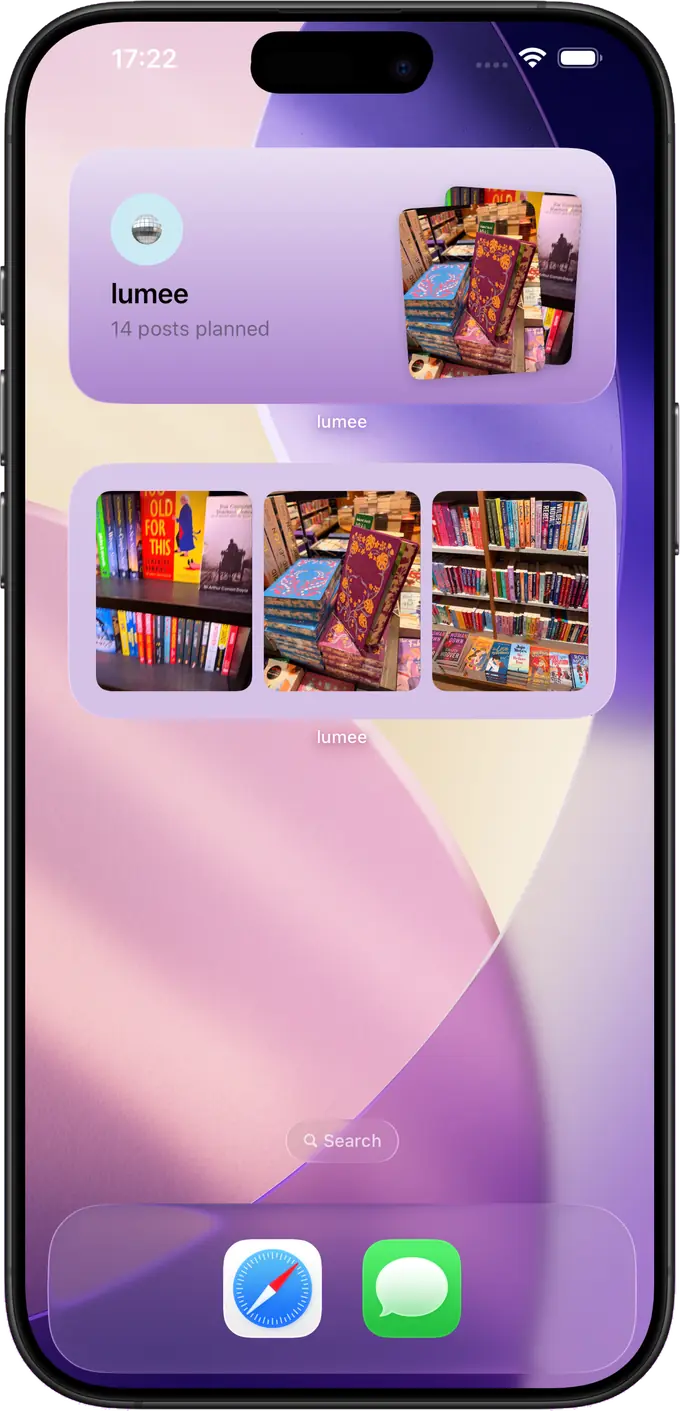
Widgets
Put the next few posts where you already look. The widget updates as you plan, so you can see what’s coming without opening anything.
Nine squares and a good idea is enough. Lumee keeps the rest in order.