














Search by mood
By title, by person, or by the feeling you’re after when you don’t have a title in mind.
Moviest keeps the whole queue in one place — the film you keep meaning to watch and the show you’re seven episodes into. Everything lives on your device, and it opens instantly.
Free on iPhone and iPad. No account, no ads. Moviest Plus adds smart lists and more widgets.
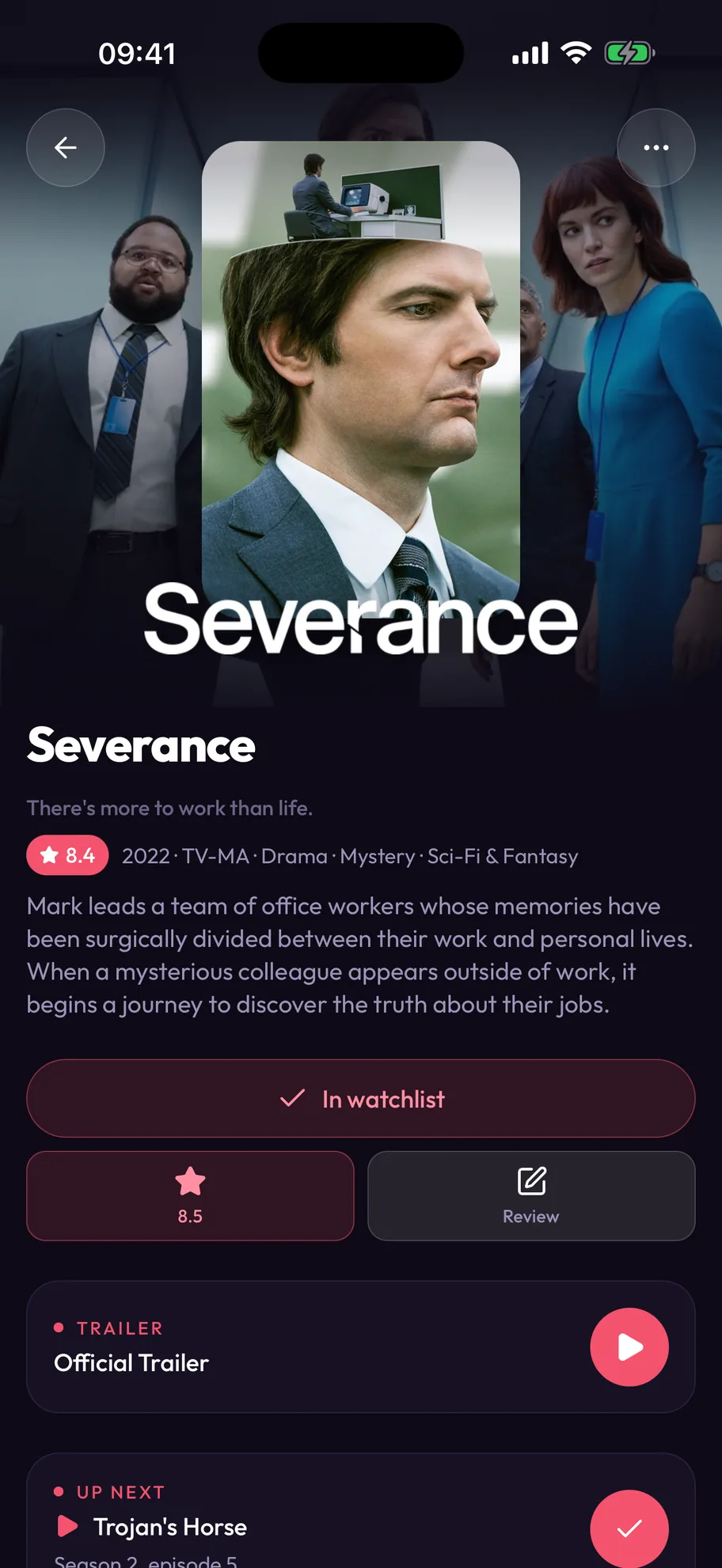
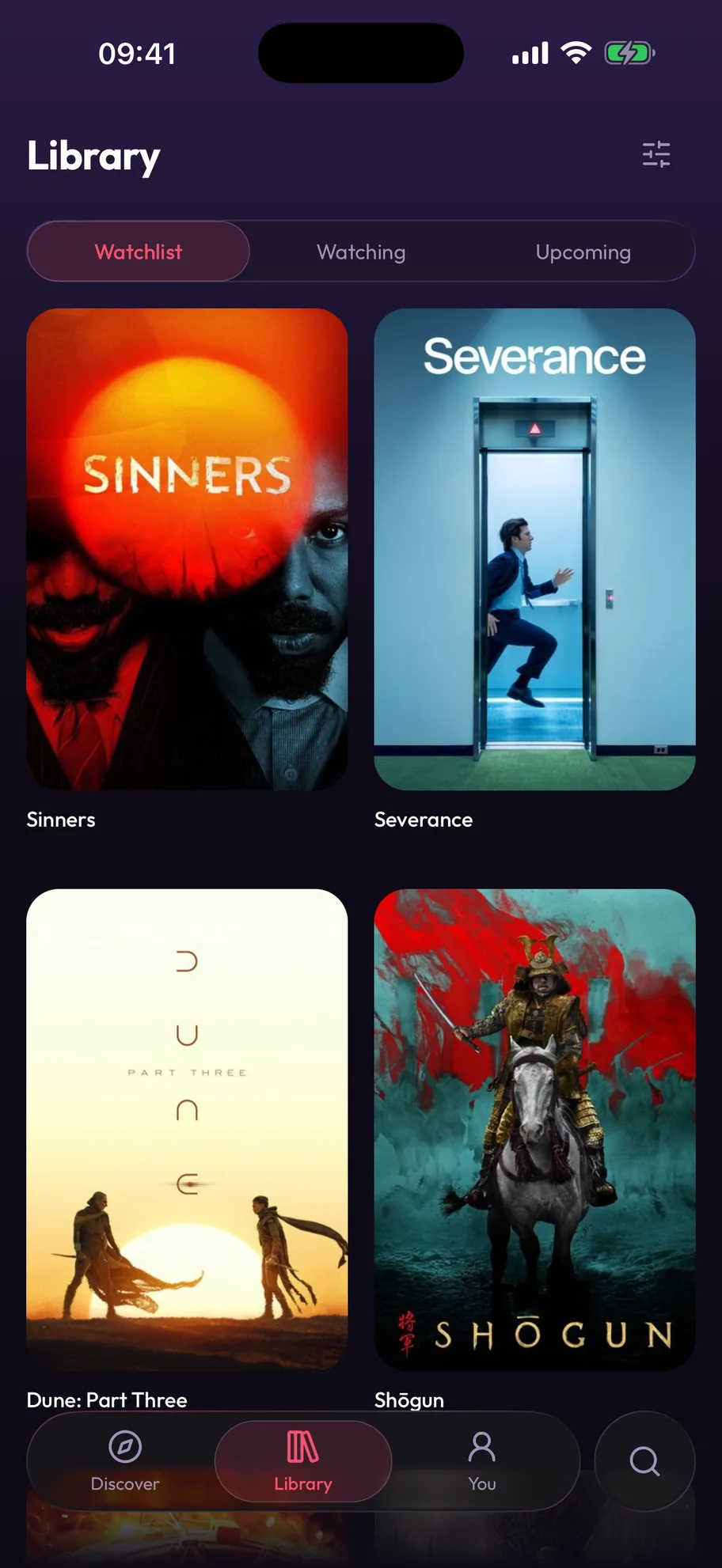
Films and series sit in the same watchlist, sorted and filtered together. Pick a night, pick a genre, pick a runtime — the answer doesn’t depend on which app you happened to open.
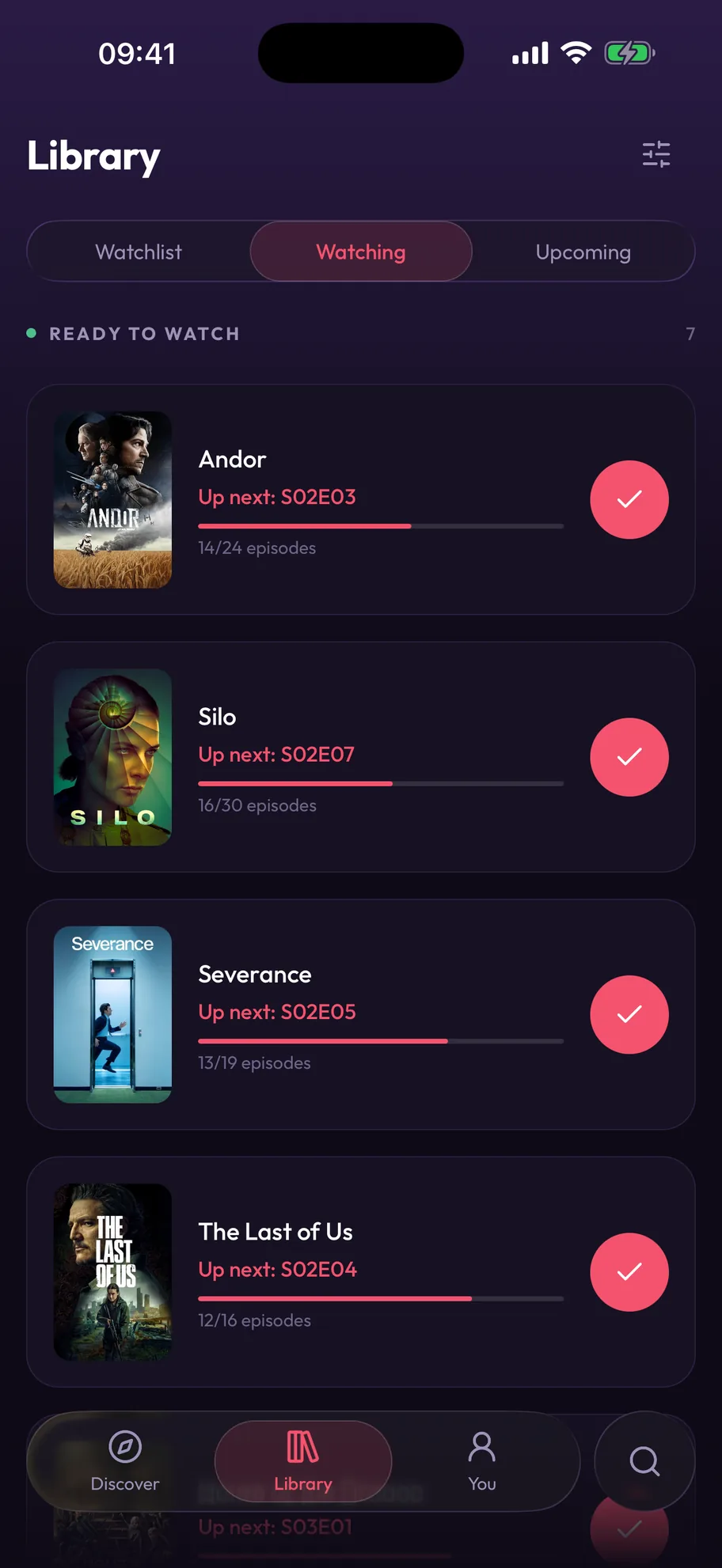
Tick off episodes as you go. Shows with something new waiting sit above the ones you’re caught up on, and return dates for the rest turn up before you’d have thought to look.
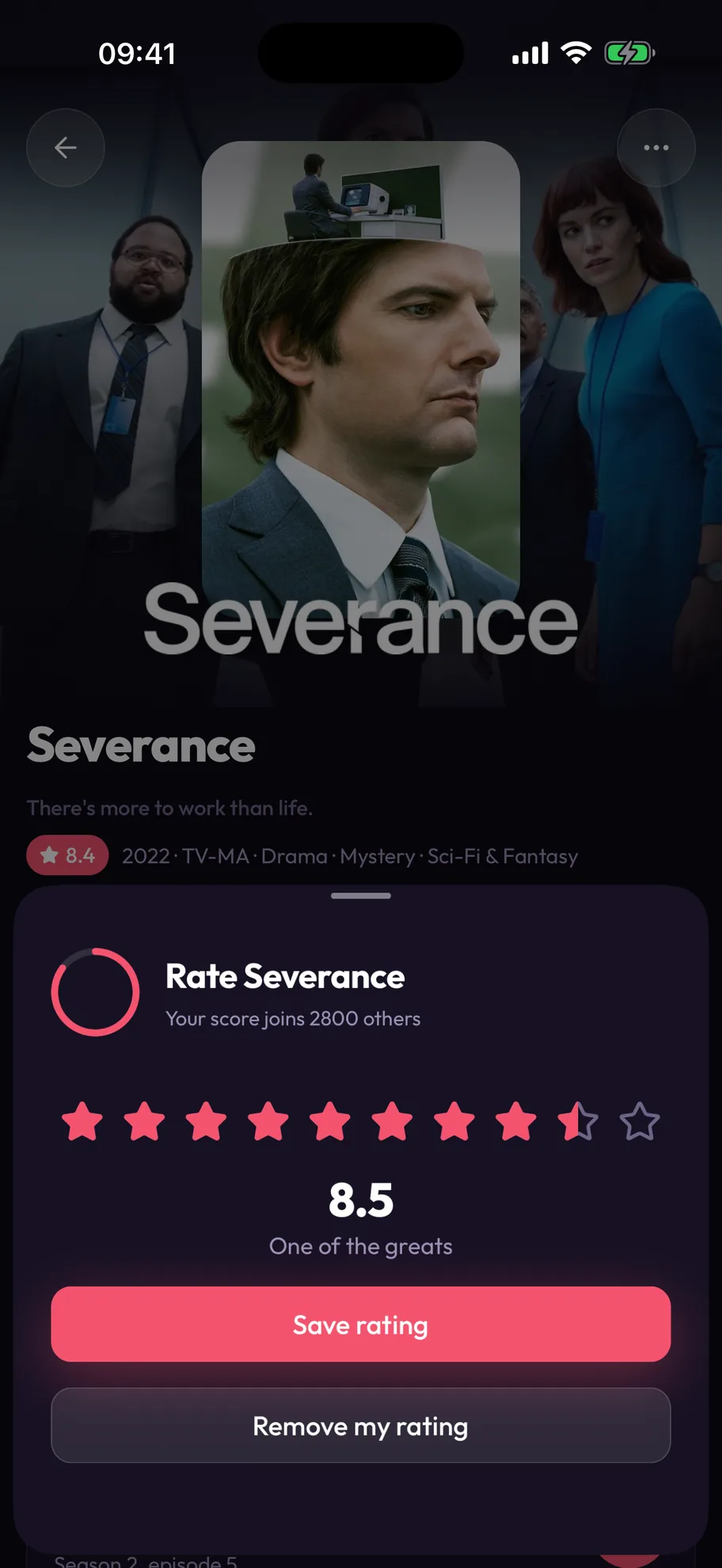
A score, a few lines, done before the credits finish. Everything you rate builds a record you actually own — kept on the phone, readable with no signal, never traded to anyone.
Now give it your own scoreThe same ring the app fills in when you rate something. Drag it round, or use the arrow keys.
By title, by person, or by the feeling you’re after when you don’t have a title in mind.
Name it, fill it, keep it in the order you built. The ten you’d hand someone. The ones for October.
Streaming, rent and buy for your country, with your own subscriptions marked.
Import your ratings and watchlist from IMDb or Trakt, review whatever doesn’t match, and carry on.
There’s a web version doing the browsing half too — search, film and show pages, cast, trailers and where to watch. The watchlist, the episode ticks and the scores you keep are what the app adds.

Yes. Moviest is free to download, and the watchlist, episode tracking, ratings, lists, search and import are all free. Moviest Plus is optional. It adds smart lists that fill themselves and more home screen widgets. Plus is a monthly or yearly subscription, with a 1-week free trial on the yearly plan, or a one-time Lifetime purchase.
No. Moviest has no sign-up and no login. You open the app and start adding films and shows.
On your device. Your watchlist, episode progress, ratings and lists stay on your iPhone or iPad and are part of your device backup. There are no ads, no tracking and no algorithmic feed.
Yes. Moviest imports your IMDb ratings and watchlist from the CSV export, and your Trakt history, ratings and watchlist from the JSON export. Importing again does not make duplicates.
Yes. Moviest runs on iPhone and iPad with iOS 17 or later, and has layouts for both displays of iPhone Duo. There is no Android version.
Yes. Everything you saved is on your device, so your library opens instantly with no signal. Search, new title pages and where-to-watch data need a connection.
Yes. Each title page shows which services stream, rent or sell it in your country, with your own services marked. The streaming data comes from JustWatch.
From TMDB, The Movie Database. Moviest uses the TMDB API but is not endorsed or certified by TMDB.
All featuresImport from IMDb or TraktMoviest comparedProduct facts
Films, shows, episodes and scores in one app for iPhone and iPad, with layouts for both displays of iPhone Duo.

Free · No account · No ads · iOS 17 or later